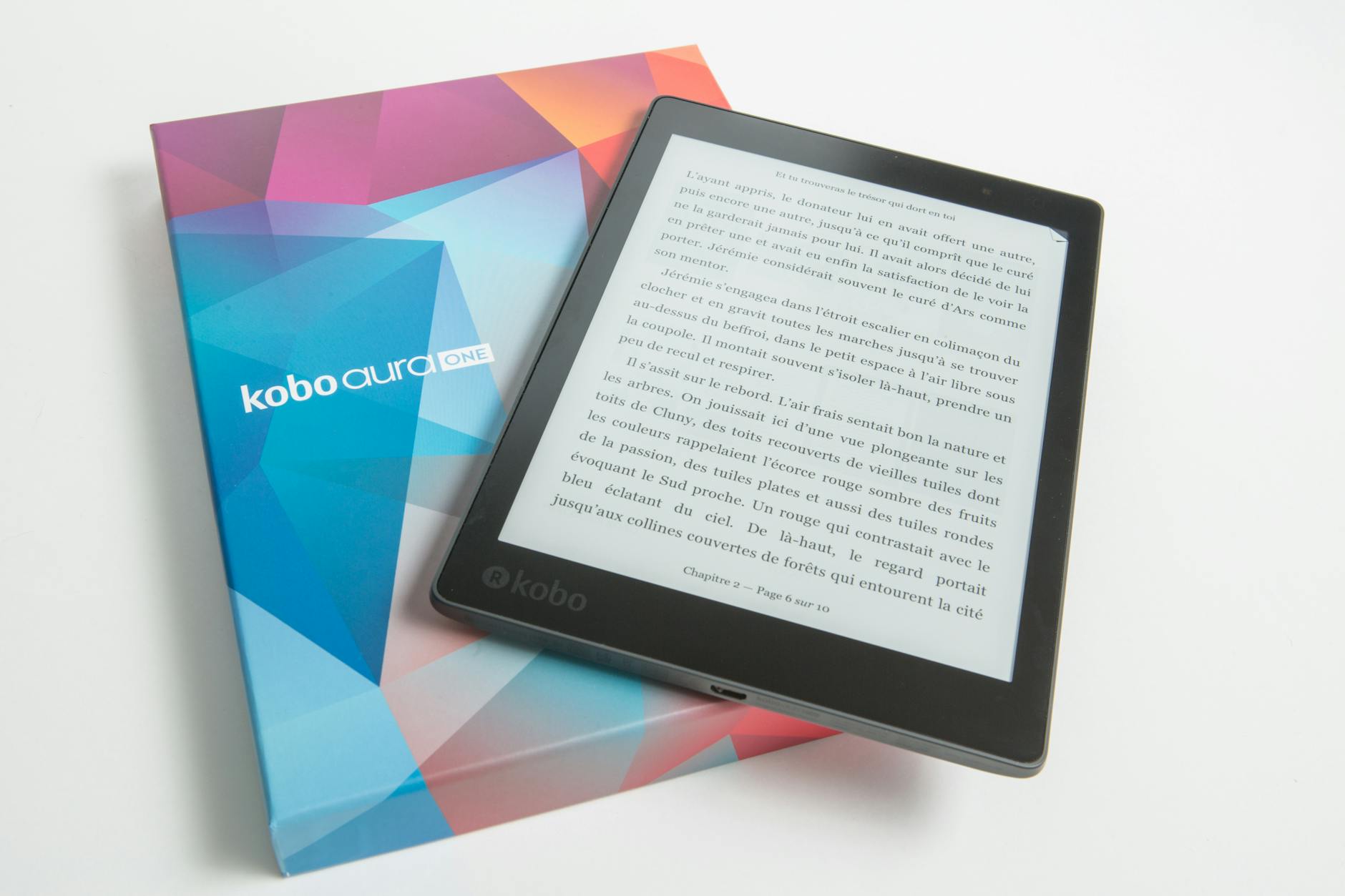
(a.k.a. how to sell ebooks on places that aren’t Kindle)
Let’s face it, Amazon has a history of screwing people over. Especially those people who depend on Amazon to make a living. If you sell ebooks on Kindle and you want to insulate yourself from whatever raw deal those maniacs come up with next, you should make sure your ebook is also being sold elsewhere. And by “elsewhere” I mean “everywhere.”
Please note: following this guide will make you ineligible for KDP Select. If you’re mostly dependent on revenue from KDP Select, this guide will not be helpful to you. But Amazon will ruin your life someday.
Step 1: Make an EPUB
KDP, and certain other services like it, allow you to upload a Word document and automatically convert it to an eBook. If you really want to sell your ebook everywhere, though, you’ll need an EPUB file.
EPUB is a near-universal ebook file standard. Most ebook apps and eReaders can read EPUBs, and every vendor will accept an EPUB file for upload. You can even use an EPUB instead of a Word document on KDP.
You can create an EPUB file for your ebook using Sigil, which is a free and open-source ebook editor with extensive documentation. EPUB files are formatted in XHTML, so a quick education on HTML basics from W3C would serve you well here.
Don’t forget to include a cover and table of contents within your EPUB, as well as metadata tags for your book’s title and your name. Most vendors require them.
Optional: Convert to MOBI and PDF
Newer Kindles can apparently read EPUBs. Older Kindles might not. In the event someone with a Kindle wants to buy your book from a vendor that isn’t Amazon, you can package your EPUB with a MOBI file.
You can convert your EPUB to MOBI using Calibre. Calibre can also help you convert your ebook to a PDF, although I wouldn’t recommend using a Calibre-generated PDF for any print-on-demand services.
Step 2: Upload Everywhere
Here’s a list of vendors I upload my ebooks to:
- Draft2Digital (will, if you meet certain formatting standards, automatically distribute your book to Apple, Barnes & Noble, Kobo, and Smashwords, among others)
- DriveThruFiction (also does print-on-demand)
- itch.io
- Ko-fi (using the Shop feature)
- Payhip
None of these sites have exclusivity agreements, meaning you can upload your ebook to all of them at once. Remember to check whether a vendor has submission guidelines for ebooks, and make sure yours fits those guidelines.
Once your ebook is uploaded to these other vendors, you can use Books2Read’s Universal Link feature to centralize most of your book’s URLs into one link.
And now, the next time Amazon nukes an entire department or shadowbans an entire genre, you can send your readers elsewhere to buy your books.
Leave a Reply